Your Run of Show is probably a great planning document, but it’s a terrible AV document. That’s not your fault. Nobody ever taught planners what AV teams actually need from that document.
I’ve read hundreds of these. Most of them are well-organized, thoughtful, and clearly took hours to build. They also almost never tell my team what to actually do.
Two documents pretending to be one
A planner builds a Run of Show to keep the day on track. It lists the agenda, the speakers, the room assignments, the meal breaks, the timing blocks. It’s built so the planner can stand backstage with a clipboard and know where everyone is supposed to be at 10:30 AM.
That document is useful. It’s also not what the AV team needs.
An AV team isn’t asking “what’s happening at 10:30.” We’re asking “what triggers the thing that happens at 10:30, who pushes the button, what source are we switching to, what does the audio mix look like, and what’s the lighting state when the speaker walks out.”
Those are completely different questions. They deserve a different document, or at least a different layer of the same one.

The transition gap
Here’s what the standard ROS format doesn’t account for. The agenda says “10:30 AM, Keynote.” That makes perfect sense from a planning perspective. But from an AV perspective, it’s incomplete.
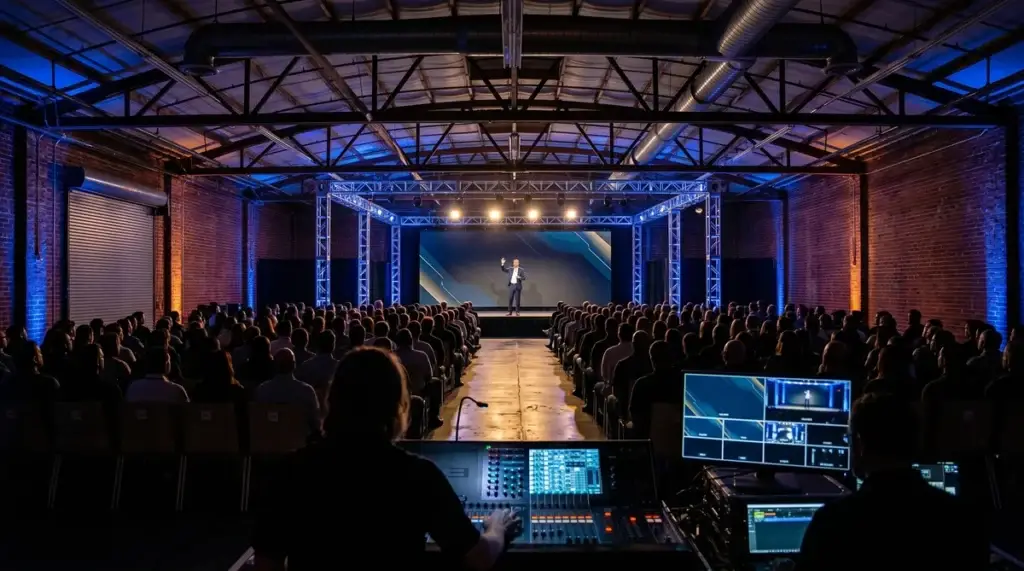
Because between 10:28 and 10:32, there are about 14 things happening. The walk-in music is fading. The lighting state is shifting from house up to stage wash. The intro video is rolling on the main screen. The CEO is getting handed a wireless lav backstage. The previous speaker’s slides are getting cleared. The next deck is getting cued up. Audio is unmuting the lav and muting the lectern mic. Confidence monitors are switching feeds.
Four minutes. Fourteen actions. Five different people responsible.
If your Run of Show says “10:30 Keynote” and stops there, my team has to guess at every single one of those cues. Most of the time we guess right because we’ve done this for a long time. Sometimes we guess wrong, and a CEO walks on stage to walk-in music and a dark room.
When that happens, it’s not a people problem. The planner did their job. The AV team did their best with what they had. It’s a format problem. The document wasn’t built to carry that level of detail, and nobody flagged the gap early enough to fix it.
The asset handoff problem
The other place Run of Shows quietly fail is asset handoff.
Slides show up the morning of the event. Video files are in a format the playback rig doesn’t support. Fonts are missing because the deck was built on someone else’s laptop. There’s no tech rehearsal time built in because the agenda is already packed. None of that is carelessness. It’s just stuff that falls outside the planner’s typical workflow.
A good Run of Show has a column for assets. Not just “presenter has slides.” It says what format, who’s sending them, when they’re due, where they live, and who confirms they actually play back correctly. It builds in 20 to 45 minutes of tech rehearsal before doors. It treats the assets the same way it treats the speakers, as a thing that has to arrive on time and in the right shape.
If your Run of Show doesn’t track this, the AV team is going to be solving file format problems while doors are opening. Every time.
Why this matters more than gear or crew
A vague Run of Show is the number one cause of preventable show problems. I’m willing to die on that hill.
When something goes sideways on event day, there’s usually enough blame to go around. But the pattern I see over and over is this: the planner built a solid plan, the AV team showed up ready to execute, and the gap between those two things was a document that didn’t translate one world into the other. Both sides did good work. The format just didn’t connect them.
The good news is that this is one of the easiest things to fix. You don’t need more gear. You don’t need a bigger crew. You just need a Run of Show that speaks both languages.
What an AV-friendly Run of Show actually needs
There are four things that have to be in there. If you have these, my team can run your show in our sleep. If you don’t, we’re guessing.
A cue list. PCMA’s event planning guides call this a “show flow,” but whatever you call it, it’s the spine of the document. Each row is a moment in the show, not a block of time. Walk-in music starts. Lights go to half. Intro video rolls. Speaker walks. Mic unmutes. Slide one. The agenda is the headline. The cue list is the script.
Tech notes. For every cue that involves a source change, write down what the source is. Slides from which laptop. Video from which playback machine. Audio from which channel. If a presenter is using a wireless lav, note which pack number. If there’s a video roll, note the file name and the duration. This is the stuff that lets the AV team set up and check everything before the room fills up.
A responsibility column. Who triggers each cue. Sometimes it’s the audio operator. Sometimes it’s the lighting operator. Sometimes it’s the stage manager calling it over comms. Sometimes it’s the speaker themselves clicking a remote. If nobody owns the cue, the cue is going to get missed. I’ve seen it a hundred times.
An asset deadline row. When is each file due? Who’s sending it? What format does it need to be in? This one line per presenter saves more headaches than any amount of day-of scrambling.
The earned secret
Here’s something I wish more planners heard from their AV teams. The events that go perfectly aren’t the ones with the biggest budgets or the most experienced crews. They’re the ones where the planner and the AV team were working from the same playbook. Where we walked in already knowing exactly what was supposed to happen, in what order, and who was calling it.
Preparation is the product. The Run of Show is where that preparation lives or dies.
A starting point
If you want a starting point, I built a Run of Show template based on the format we use on every ProCore event. It has the cue list, the tech notes, the responsibility column, and the asset tracking already laid out. It’s free.
Use it, don’t use it, build your own. I don’t really care which. I just want fewer planners getting blamed for AV problems and fewer AV teams getting blamed for documentation problems. Both groups are tired of it.